Projects organize your pipelines by business unit/use case.
Create New Project
1. Projects nav → Create Project

2. Name: “Q1 Customer AI”
3. Description: Business goal
4. Create
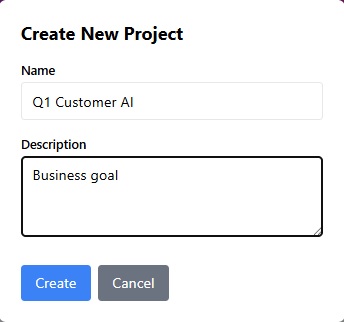
Project Interface
📁 My Projects List:
– Card: Name, Pipelines count, Last run
– Actions: Edit | Delete | Share | Export
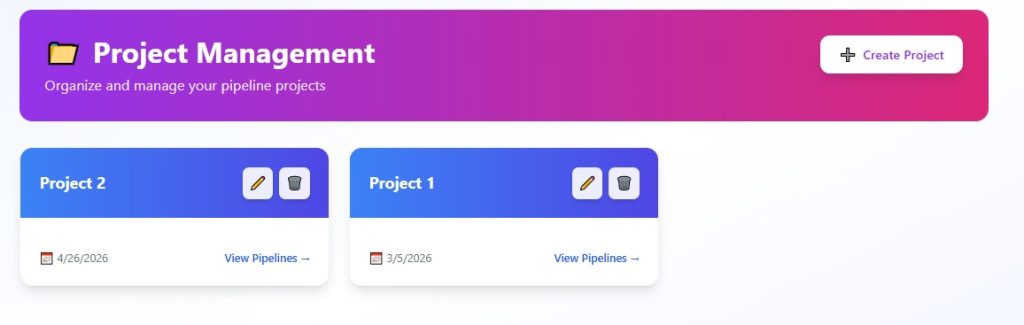
Organize Pipelines
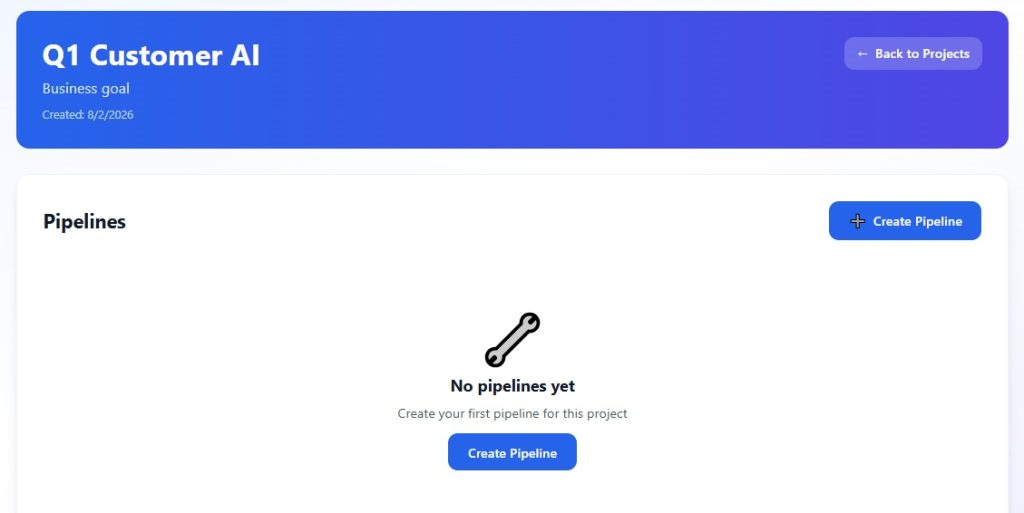
1. Open Project → Add Pipeline
2. Drag from Designer or Load Template
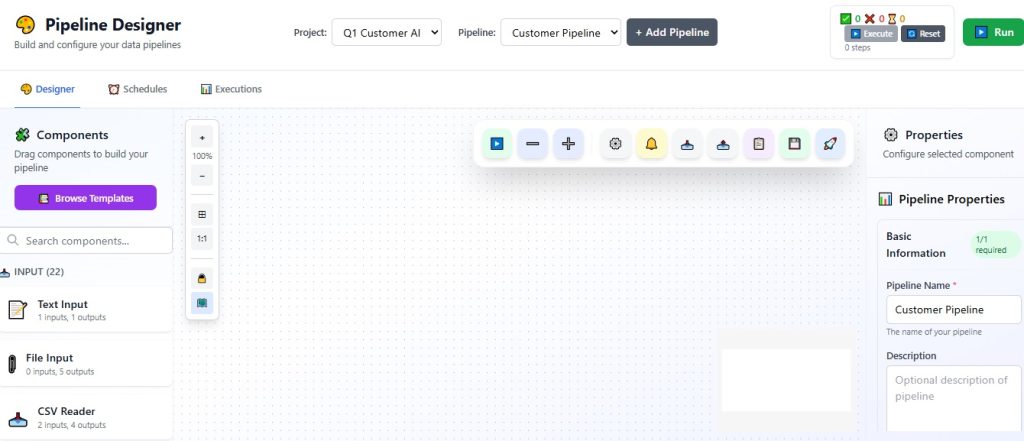
3. Save → Auto-saves to project
Sharing & Permissions
– Share button → Invite by email/role
– Roles: Viewer (monitor), Editor (modify), Owner
Business Example: Marketing project with content-gen + social-monitor pipelines.
—