Account Setup
1. Open Just247Pipes
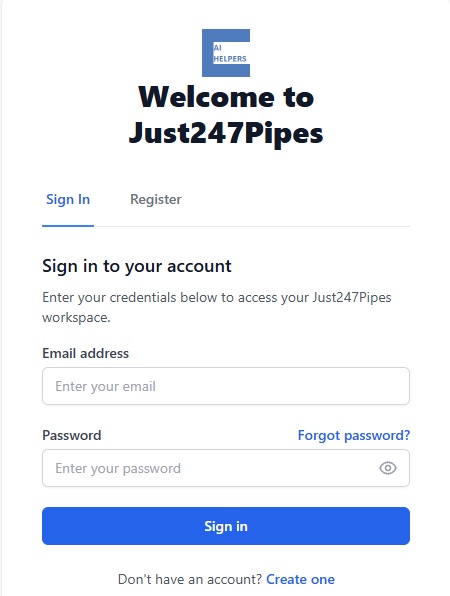
2. Click Register → Enter email/password
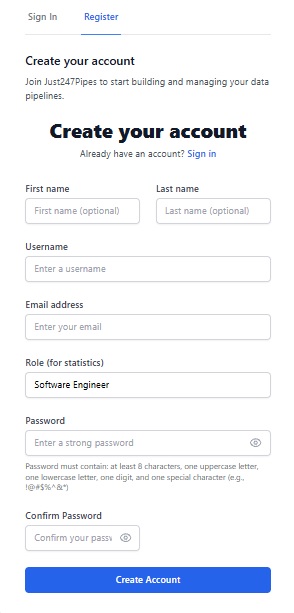
3. Verify email (check inbox)
4. Login → Welcome to Dashboard!
Your First Pipeline (5 Minutes)
Step 1: Load Template
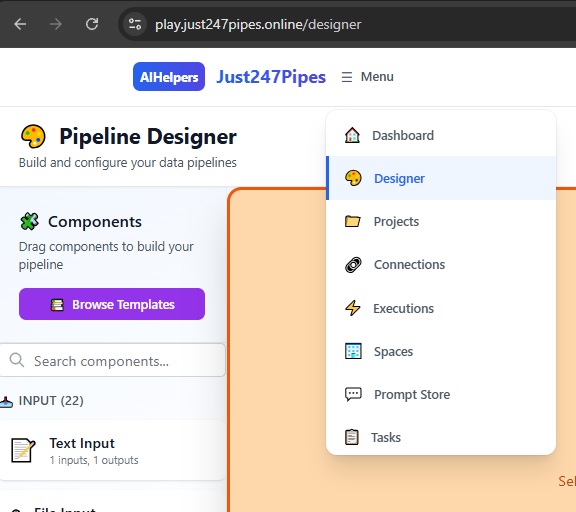
1. Click Designer in top nav
2. Click Browse Templates button (top-right)
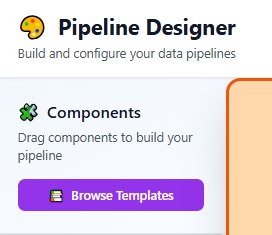
3. Select Customer Support Chatbot → Load
Step 2: Quick Configuration
Canvas shows: Chat Input → Intent Detection → Knowledge Base → Response1. Click Chat Input node
2. Set Placeholder: \”How can we help?\”
3. Click Intent Detection → Set LLM Provider: OpenAI
4. Add your API key (Connections → later)
Step 3: Test Run
1. Click ▶ Run (top toolbar)
2. Test input: \”How do I reset password?\”
3. View Response output
4. Check Executions tab for logs
Next Steps
– [Save to Project → Section 4](04-managing-projects.md)
– [Add Database Connection → Section 7](07-connections.md)
✅ Congrats! You built your first AI pipeline.
—