🏢 Spaces (Team Workspaces)
– What: Isolated environments for teams/departments
– Go to: `/spaces` nav
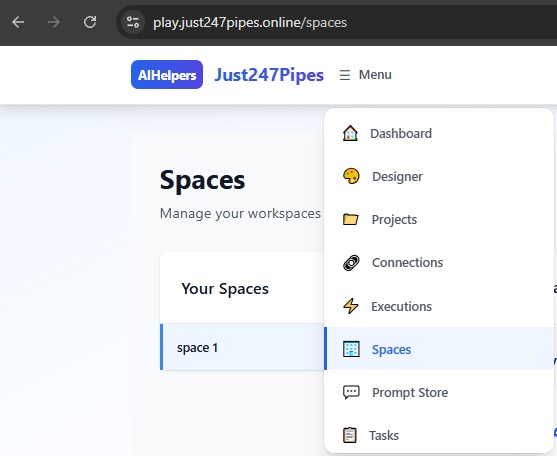
– Use: Invite users, set permissions per space
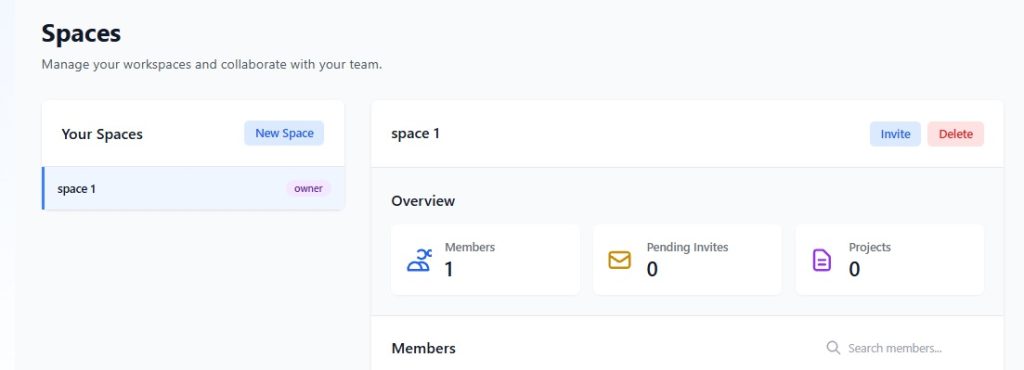
📁 Projects (Pipeline Organizers)
– What: Folders for related pipelines
– Inside: Multiple pipelines + shared connections
– Go to: `/projects` nav
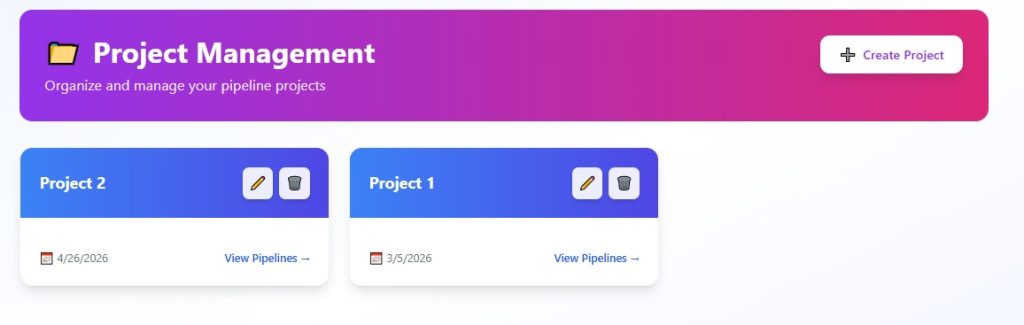
🎛️ Pipelines (Your Workflows)
JSON DAG: Nodes (Components) + Edges (Data Flow)– Visual Builder: Drag-drop, configure properties
– Execution: Run manually/scheduled
– Components: 100+ building blocks
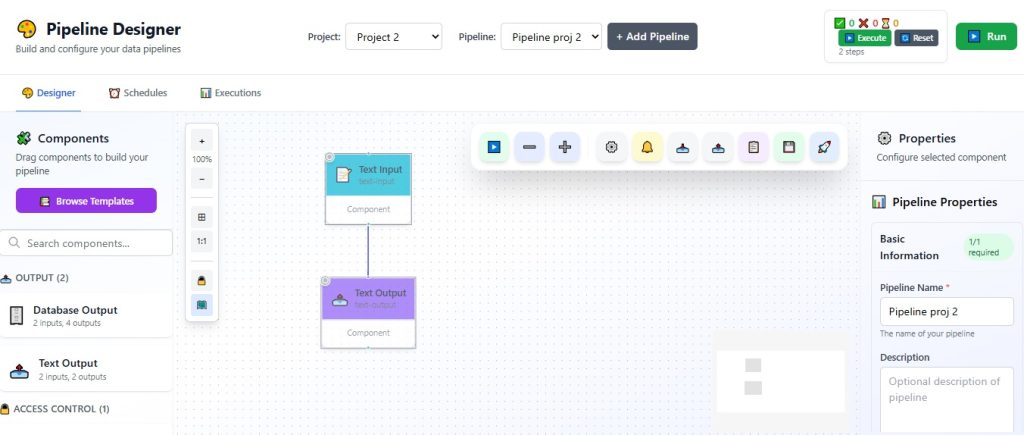
🧩 Components Categories
| Type | Examples | Use |
| Input | Chat, File, HTTP, Database | Data sources |
| Processing | LLM, Retrieval, Intent Detection | AI Magic ✨ |
| Output | Storage, Email, Slack | Results |
| Connectors | SQL, S3, APIs | External systems |
Example Data Flow
Chat Input → LLM Intent → RAG Retrieval → LLM Response → Slack AlertPermissions (High-End Control)
– Owner: Full access
– Editor: Build/run pipelines
– Viewer: Monitor only
Pro Tip: Use Spaces for dev/prod separation.
—